Introduction
Managing expenses used to mean dealing with faded paper receipts, manual data entry, and endless spreadsheets. In 2026, AI receipt scanners and trackers have completely transformed this process. Today’s tools don't just digitize paper; they automatically extract line items, categorize spending, flag policy violations, and even turn raw financial data into visual presentations.
Whether you are a freelancer wanting to survive tax season, an operations manager handling team reimbursements, or a founder needing deep financial insights, choosing the right software is critical. In this guide, we evaluated the top tools based on OCR accuracy, categorization intelligence, expense tracking depth, reporting capabilities, ease of use, and overall value.
Here is our definitive, analyst-style breakdown of the top 10 AI receipt scanners and trackers on the market today.
What is the best AI receipt scanner and tracker in 2026?
The best AI receipt scanners and trackers include Powerdrill Bloom for turning expense data into presentation-ready reports, Expensify for automated team expense management, and Dext Prepare for seamless bookkeeping integration. These AI-powered tools use advanced OCR and machine learning to instantly extract data, categorize expenses, and streamline your entire financial workflow.
Quick List: Top 10 AI Receipt Tools at a Glance
Powerdrill Bloom: Best overall for turning receipt and expense data into deep analysis, charts, and presentation-ready slides.
Expensify: Best for automated receipt tracking and corporate card expense management.
Dext Prepare: Best for accountants and bookkeepers needing high-accuracy OCR data extraction.
Shoeboxed: Best for businesses that want to mail in physical receipts for professional scanning and verification.
Zoho Expense: Best for small-to-medium businesses already using the Zoho ecosystem.
QuickBooks Online: Best for businesses that want built-in receipt capture tied directly to their core accounting software.
Wave: Best free receipt scanner and bookkeeping tool for freelancers and sole proprietors.
Rydoo: Best for global enterprises needing multi-currency and compliance-heavy expense tracking.
Fyle: Best for AI expense tracking that integrates directly with your existing credit cards via text messages.
Neat: Best for small businesses needing line-item receipt extraction combined with document management.
Comparison Table
Tool | Best For | Core Strength | Pricing Model |
Data-driven analysis & reporting | Turns raw expense data into charts & PPTs via AI | ||
Automated team expenses | SmartScan OCR & auto-reimbursement | ||
Bookkeepers & CPAs | Seamless sync with accounting software | ||
Heavy paper-receipt users | "Magic Envelope" physical mail-in service | ||
SMBs & Zoho users | High affordability & ecosystem integration | ||
All-in-one accounting | Built-in receipt matching & reconciliation | ||
Freelancers | 100% free core accounting & invoicing | ||
Global finance teams | Real-time global compliance & approval flows | ||
Real-time card tracking | Real-time capture via SMS directly from cards | ||
Document management | Detailed line-item extraction & file storage |
1. Powerdrill Bloom
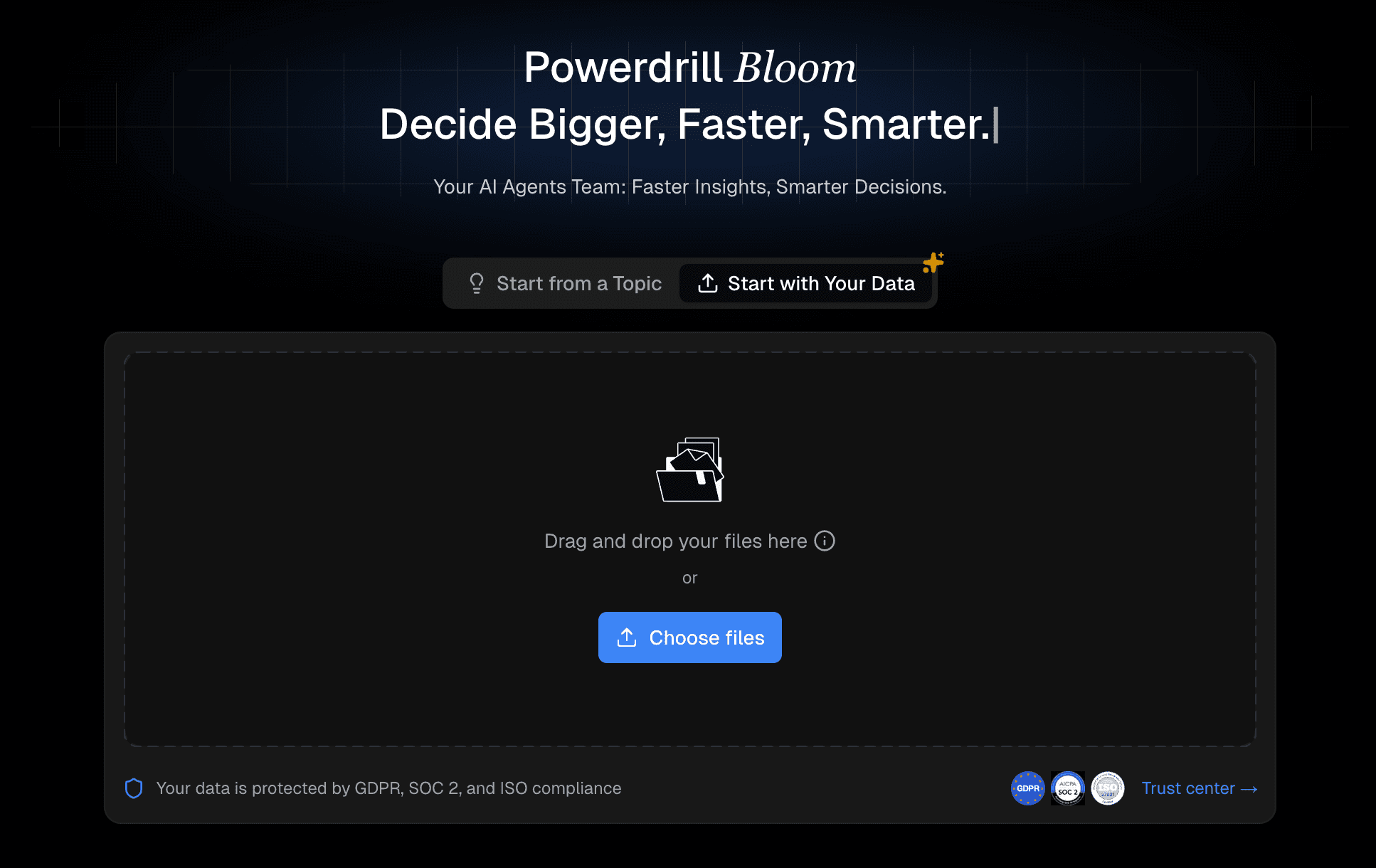
Powerdrill Bloom is not just a standard receipt scanning app; it is a powerful AI agent designed to bridge the gap between raw financial data and high-level reporting. While traditional scanners stop at digitizing a receipt, Powerdrill Bloom excels at taking raw data, such as exported expense CSVs, bulk receipt data, or financial spreadsheets, and automatically cleaning, categorizing, and analyzing it. It is perfectly suited for founders, finance teams, operations managers, and marketers who need to understand spending trends, visualize budgets, and present financial insights without needing to know SQL or Python.
Key Features
AI-Driven Data Ingestion: Upload raw receipt and expense data (Excel, CSV, etc.), and the AI automatically cleans and structures the dataset.
Natural Language Analysis: Ask questions like "What was our highest marketing expense last quarter?" and get instant, accurate answers.
Automated Visualization: The AI recommends and generates the best charts and infographics based on your expense trends and categorized receipts.
Presentation-Ready Output: Instantly exports your receipt analysis and financial summaries into professional, presentation-ready PPT slides.
Deep Categorization & Summarization: Extracts key fields, identifies anomalies, and generates multi-dimensional comparisons of departmental spending.
Pros
Goes far beyond basic scanning to deliver actual business insights and trends.
Eliminates the need for manual spreadsheet formatting and chart creation.
Incredibly friendly for non-technical users through a conversational AI interface.
Saves hours of prep time for monthly financial reviews or board meetings.
Handles massive, messy datasets effortlessly.
Cons
Overkill for an individual who just wants to store a photo of a single coffee receipt.
Functions more as an AI data analysis platform than a point-and-shoot mobile camera app.
Requires users to be actively looking for insights and reporting, rather than just basic bookkeeping.
Pricing
This data AI tool offers a freemium pricing structure with current monthly promotional rates: Free at $0.00/month, the popular Pro plan at $13.27/month, and the Plus plan at $26.60/month, both with a 20% discount.
2. Expensify
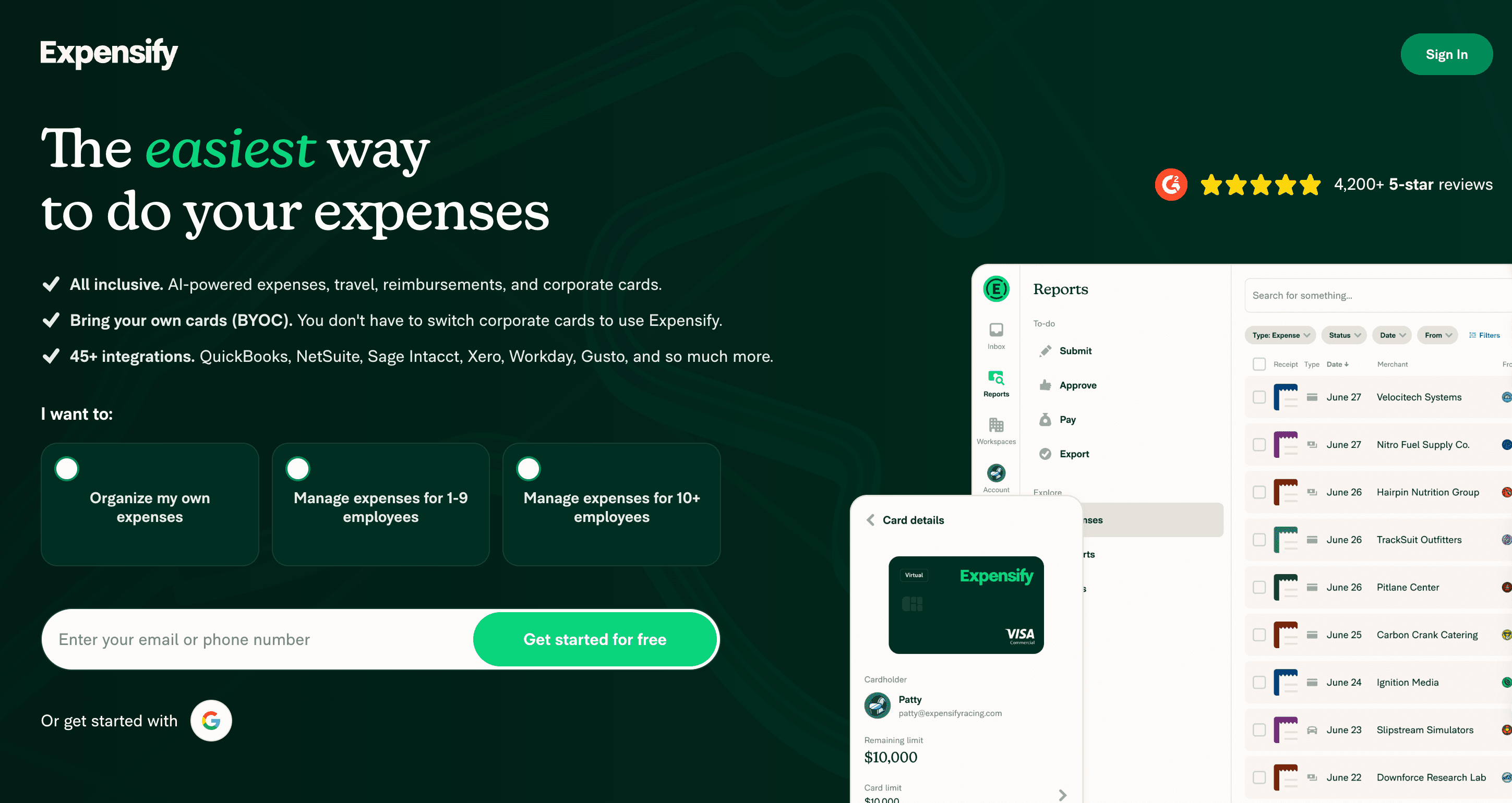
Expensify is one of the most widely recognized AI expense trackers on the market, built primarily to streamline employee reimbursements and corporate card management. Its core strength lies in its SmartScan technology, which relies on OCR and machine learning to read receipts on the fly. It is highly suited for companies with traveling employees and sales teams who need a "scan-and-forget" solution that automatically routes expenses for manager approval.
Key Features
SmartScan OCR: Snaps a photo of a receipt and automatically extracts the merchant, date, and amount.
Next-Day Reimbursement: Rapid automated ACH processing for approved employee expenses.
Corporate Card Integration: Matches scanned receipts automatically with imported bank feeds and credit card transactions.
Custom Approval Workflows: Allows finance teams to set up multi-level approval hierarchies based on amounts or departments.
Accounting Sync: Integrates seamlessly with Xero, QuickBooks, NetSuite, and Sage.
Pros
Extremely intuitive mobile app for end-users on the go.
Drastically reduces manual data entry for both employees and finance teams.
Robust compliance and policy-flagging system.
Scales well from small businesses to large enterprises.
Cons
Pricing can become expensive as your team grows, depending on the plan.
Customer support can sometimes be slow for lower-tier plans.
The interface can feel cluttered with up-sells for their own corporate card.
Pricing
Expensify offers a free tier for basic receipt scanning and chat, plus two paid business plans: the popular Collect plan at $5 per member/month, and the Control plan with custom pricing starting as low as $9 per active member/month.
3. Dext Prepare
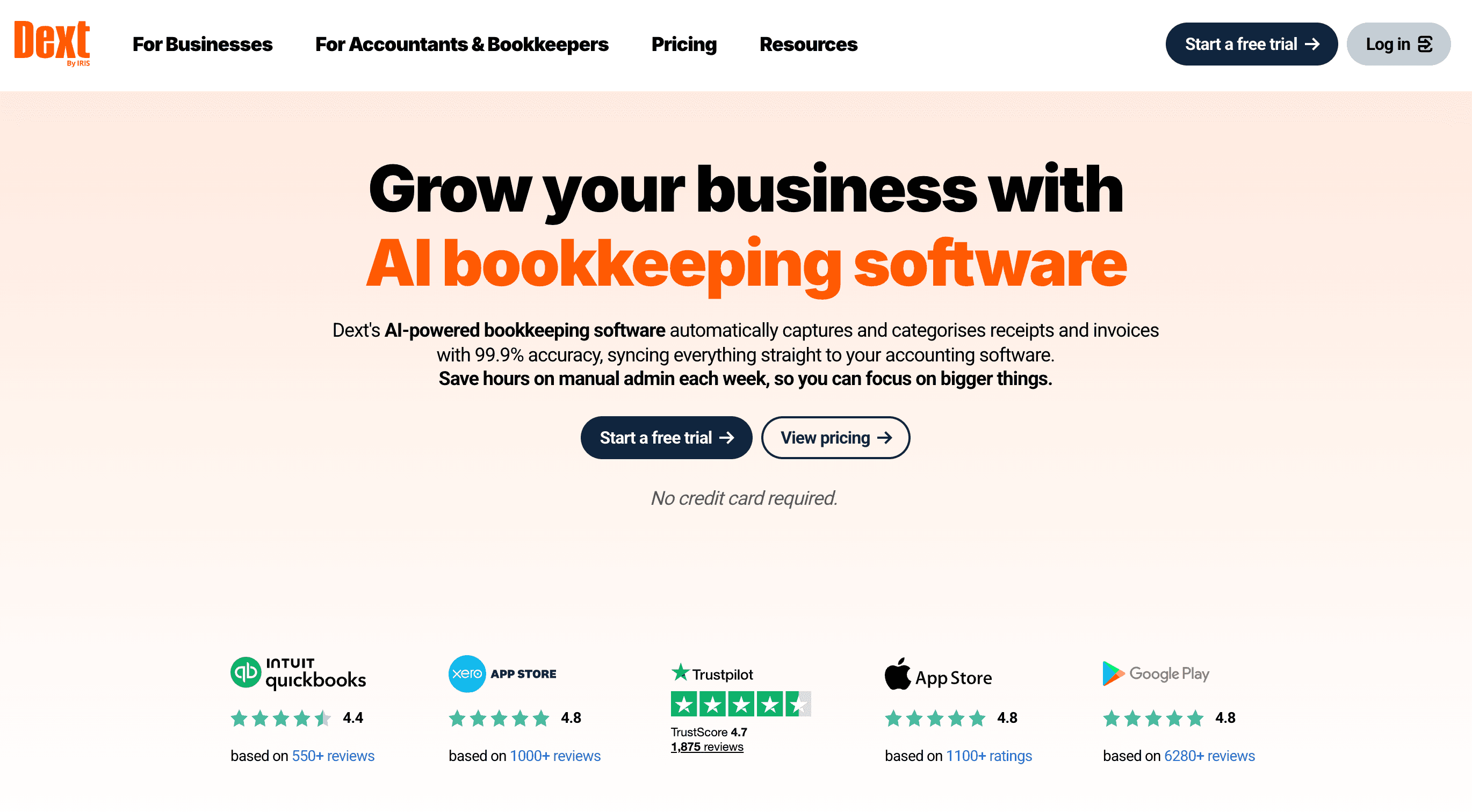
Formerly known as Receipt Bank, Dext Prepare is heavily favored by accountants, bookkeepers, and finance agencies. It focuses relentlessly on capturing receipt and invoice data with near-perfect accuracy and preparing it for accounting ledgers. If your workflow involves collecting receipts from multiple clients or employees and ensuring every penny is perfectly categorized for tax compliance, Dext Prepare is an industry standard.
Key Features
High-Fidelity AI Extraction: Uses advanced machine learning to pull line items, tax codes, and vendor details with incredible accuracy.
Multi-Channel Capture: Users can submit receipts via mobile app, email-in, or direct fetch from over 1,400 supplier portals.
Supplier Rules: Set automated rules so receipts from specific vendors are always assigned to the correct nominal code.
Seamless Ledger Sync: Deep, bi-directional integrations with QuickBooks Online, Xero, and Sage.
Digital Paper Trail: Creates an audit-proof, searchable cloud archive of all financial documents.
Pros
Loved by accountants for its reliability and precision.
The "Fetch" feature saves time by automatically downloading recurring digital invoices (e.g., Amazon, SaaS tools).
Excellent handling of complex tax extraction and multi-currency.
Reduces the back-and-forth communication between accountants and clients.
Cons
The user interface is functional but less modern compared to newer startups.
Aimed more at finance professionals; might be too complex for a solo freelancer.
Pricing is geared toward businesses and accounting firms, making it pricey for small teams.
Pricing
Dext offers scalable tiered pricing: for accounting practices, annual plans start at $17.70/client/month and $19.20/client/month; for businesses, the annual plan starts at $25.21/month with pricing increasing for additional users and business entities, all with a free 14-day trial.
4. Shoeboxed
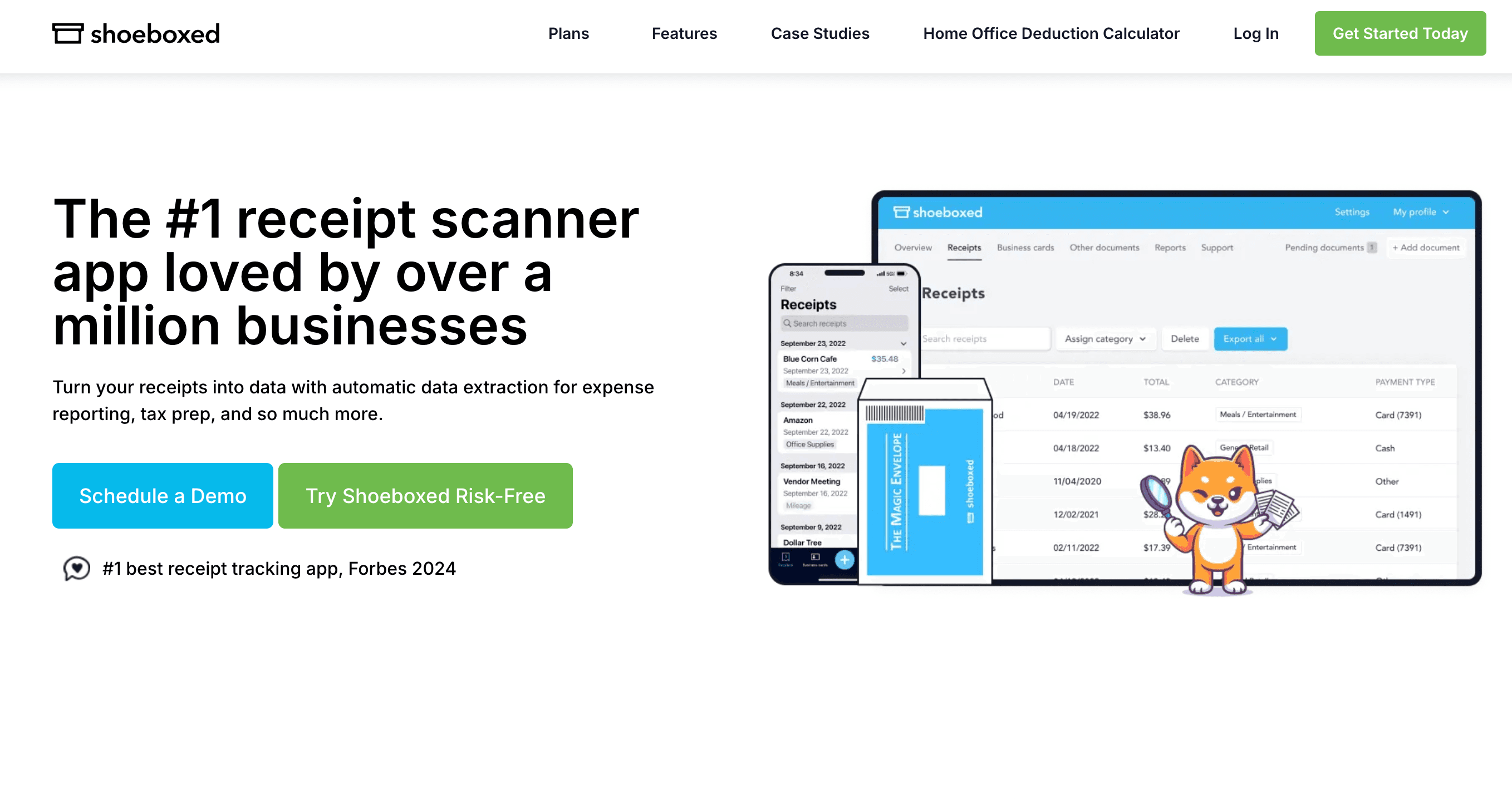
Shoeboxed offers a unique hybrid approach to receipt tracking. While it features a capable AI-powered mobile app for scanning receipts, its main differentiator is the "Magic Envelope." Users can stuff physical receipts, business cards, and invoices into a prepaid envelope and mail it in. The Shoeboxed team then scans, human-verifies, and digitizes everything. It is best for contractors, truck drivers, or businesses that accumulate massive piles of physical paper.
Key Features
Magic Envelope Service: Prepaid envelopes for mailing in physical documents for professional scanning.
Human Verification: AI OCR is backed by human data verification to ensure maximum accuracy.
Tax-Ready Reporting: Generates comprehensive PDF reports with attached receipt images that are IRS-accepted.
Business Card Scanning: Digitizes business cards and automatically exports them to your CRM or contact list.
Mileage Tracking: Built-in GPS tracker in the mobile app for logging deductible business miles.
Pros
The ultimate time-saver for people who hate scanning their own paper receipts.
Provides peace of mind with human-verified data accuracy.
Excellent for audit protection and tax prep.
Long-standing reputation and reliability in the market.
Cons
Mailing physical receipts introduces a delay; it is not a real-time expense tracking system.
The mobile app interface feels a bit dated compared to competitors.
Higher recurring cost due to the physical mail and human verification services.
Pricing
Shoeboxed offers three monthly plans: Starter at $9/month for solo users, Pro at $29/month (best for freelancers/SMBs) with 200 digital scans, and Plus at $79/month for small teams with 750 digital scans, all including a 30-day risk-free trial.
5. Zoho Expense
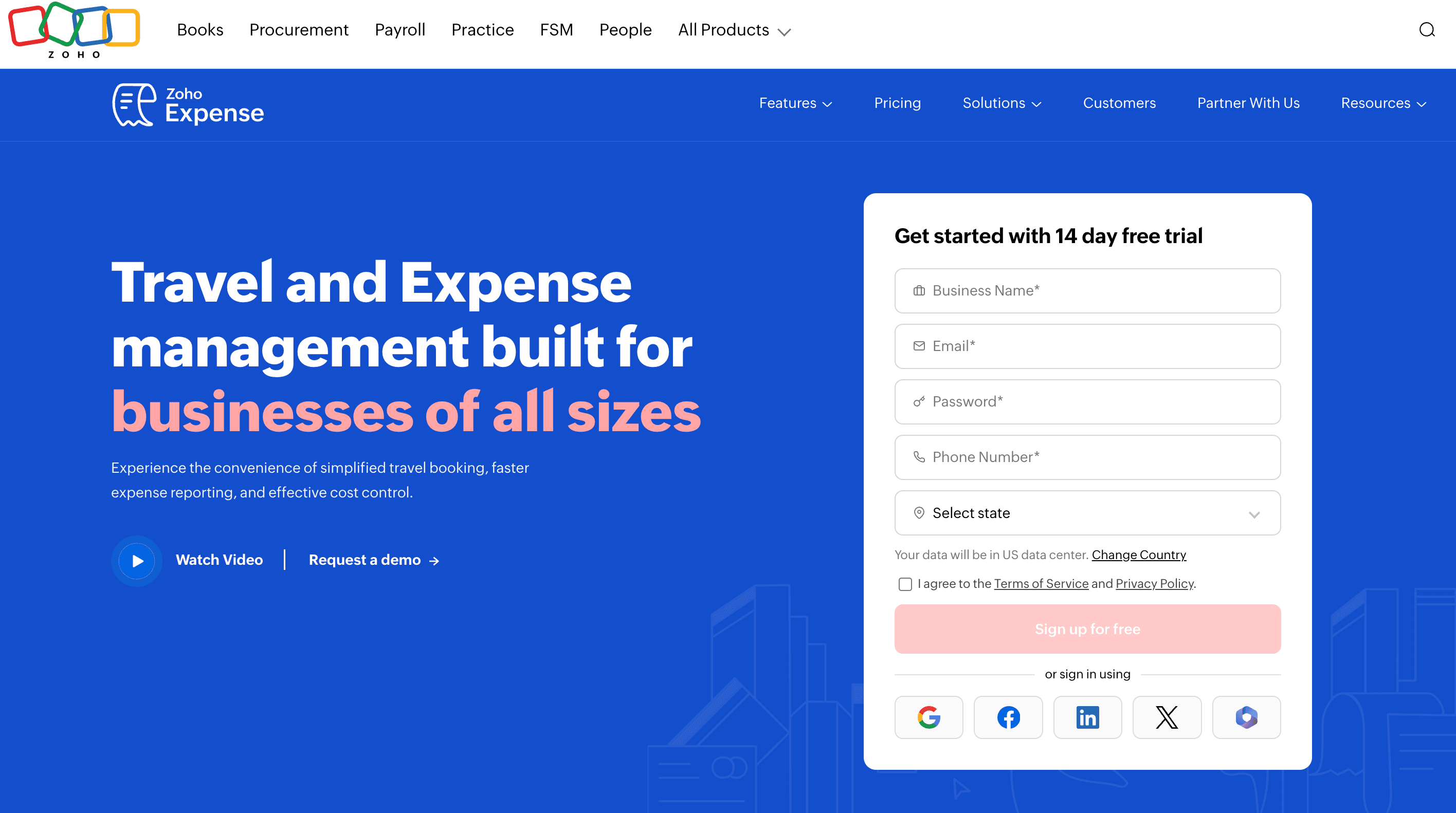
Zoho Expense is an affordable, feature-rich AI expense reporting tool built for small to medium-sized businesses. It is particularly powerful if your company already operates within the Zoho ecosystem (Zoho Books, Zoho CRM). It automates the entire expense reporting process from receipt scanning to manager approval and accounting integration, making it a highly practical and budget-friendly choice.
Key Features
Autoscan Receipts: Reads receipt details in multiple languages and automatically creates expense entries.
Mileage & Per Diem Tracking: Easily calculates travel expenses based on corporate policies or government rates.
Direct Bank Feeds: Connects to thousands of banks to fetch credit card transactions and match them with receipts.
Advanced Analytics: Built-in reporting dashboards for tracking spending by category, department, or project.
Ecosystem Synergy: Native, instant synchronization with Zoho Books and Zoho Invoice.
Pros
Highly cost-effective compared to enterprise tools like SAP Concur.
Very intuitive user interface on both mobile and desktop.
Strong compliance features, allowing custom spending limits and policy alerts.
Generous free tier for very small teams.
Cons
Best experienced alongside other Zoho products; standalone users might miss out on full value.
Support can sometimes be delayed during peak hours.
Advanced customizations require higher-tier plans.
Pricing
Zoho Expense offers a three-tier annual-billed expense management plan: Free (up to 3 users), Standard at $3 per user/month, and Premium at $5 per user/month, with Premium featuring advanced automation and travel tools.
6. QuickBooks Online (Receipt Capture)
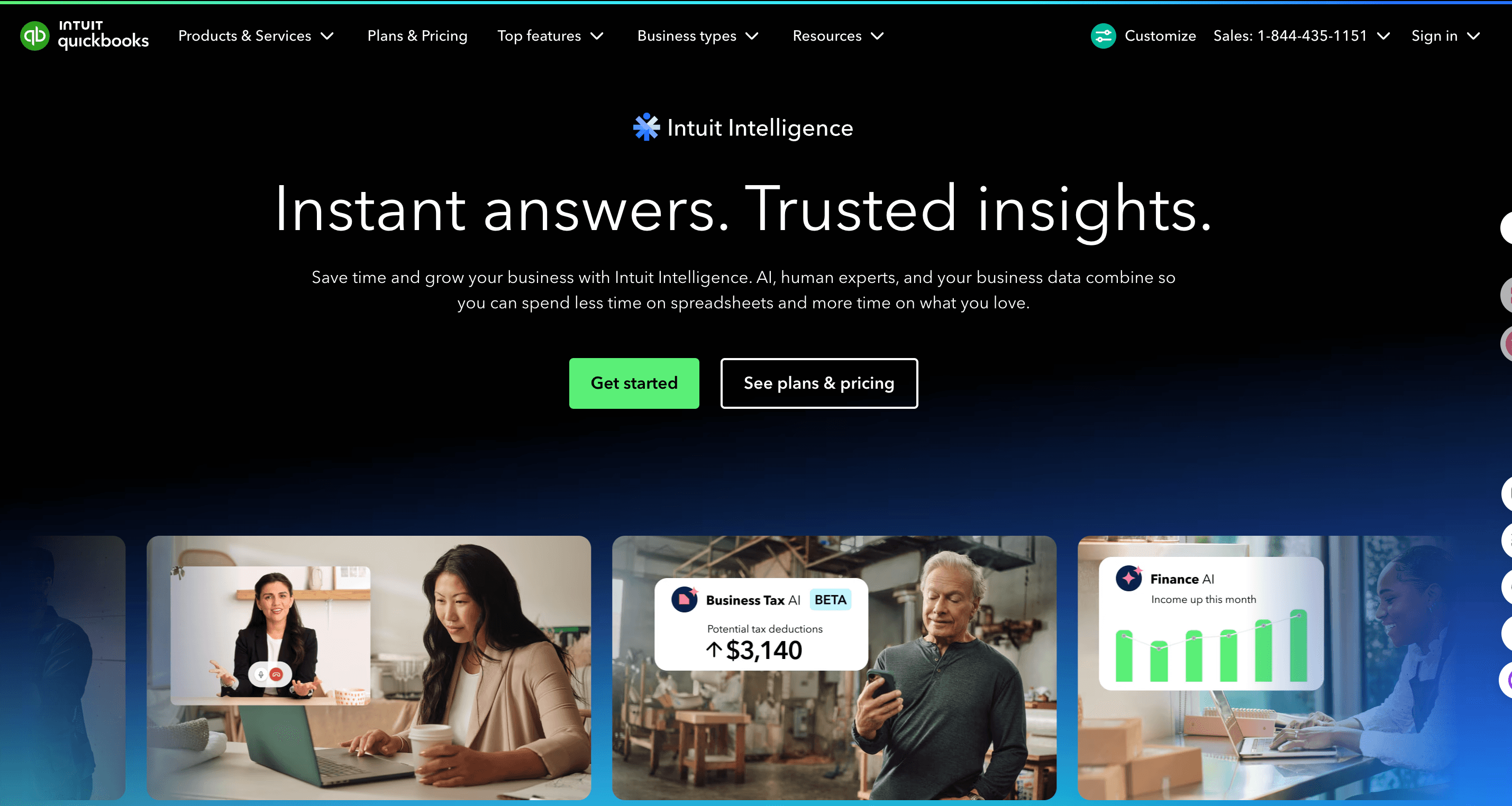
QuickBooks Online (QBO) is the world's leading cloud accounting software for SMBs. Rather than being a standalone receipt tool, its AI receipt capture is a built-in feature of the platform. This is the best option for business owners who want an all-in-one solution. You snap a photo, and the AI matches the receipt directly to transactions already in your bank feed, keeping your books constantly reconciled.
Key Features
Integrated Receipt Capture: Use the QuickBooks mobile app to snap receipts, which instantly upload to your QBO account.
Automatic Matching: The AI scans the receipt amount and date, automatically suggesting a match with your imported bank feeds.
Email Forwarding: Forward digital receipts to a custom QBO email address for auto-processing.
End-to-End Bookkeeping: Flows receipt data directly into your Profit & Loss statements and balance sheets.
Vendor and Categorization AI: Learns your categorization habits over time to automate ledger coding.
Pros
No need to pay for or integrate a separate, third-party receipt app.
Keeps everything centralized in your primary accounting system.
Reduces the risk of sync errors between different software platforms.
Excellent for collaborating with your CPA during tax season.
Cons
The OCR engine can sometimes be slower or less accurate than dedicated tools like Dext.
Lacks complex, multi-stage expense approval workflows for larger teams.
You must be a QuickBooks Online subscriber to use it.
Pricing
QuickBooks offers tiered small business plans (Simple Start, Essentials, Plus, Advanced) with 50% off for the first 3 months, plus a mid-size business option including the Intuit Enterprise Suite for scalable ERP-level operations.
7. Wave (Receipts)
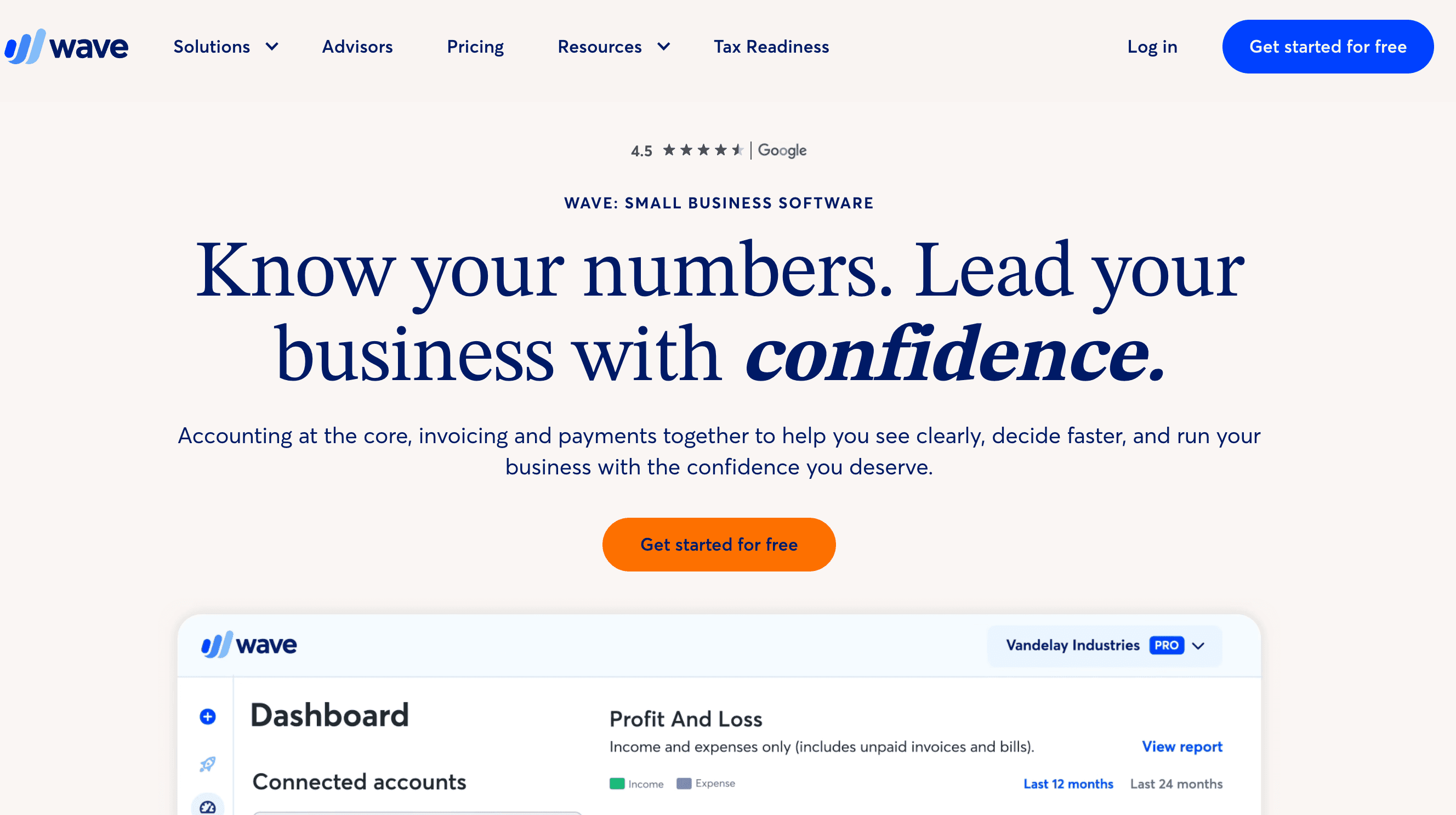
Wave is a wildly popular financial software suite aimed directly at freelancers, sole proprietors, and micro-businesses. What makes Wave stand out is that its core accounting and invoicing features are 100% free. Its receipt scanning feature uses AI to extract data and link it to your accounting ledger seamlessly. It is the ideal starting point for a solo worker who needs to move away from shoeboxes and spreadsheets without adding overhead costs.
Key Features
Mobile Receipt Scanning: Snap photos on the go, and the OCR extracts vendor, date, and amount.
Cloud Sync: Syncs the scanned receipts instantly with Wave’s free cloud accounting platform.
Expense Categorization: Allows you to easily assign receipts to specific tax categories for year-end reporting.
Email Receipts: Forward digital receipts from your inbox directly into your Wave account.
Unified Dashboard: View your income, scanned expenses, and cash flow in one simple interface.
Pros
The core accounting and invoicing software is completely free.
Incredibly user-friendly, designed specifically for non-accountants.
Eliminates the need for a separate tracking app for micro-businesses.
Clean, modern mobile and web interfaces.
Cons
Receipt scanning used to be free but is now often bundled as a paid add-on (Wave Receipts).
Lacks the advanced reporting and approval workflows needed by growing teams.
Limited integrations with third-party software compared to other tools.
Pricing
Wave offers a free Starter plan and a recommended annual Pro plan for $190/year, including unlimited estimates, invoicing, and bookkeeping with enhanced payment and banking features.
8. Rydoo
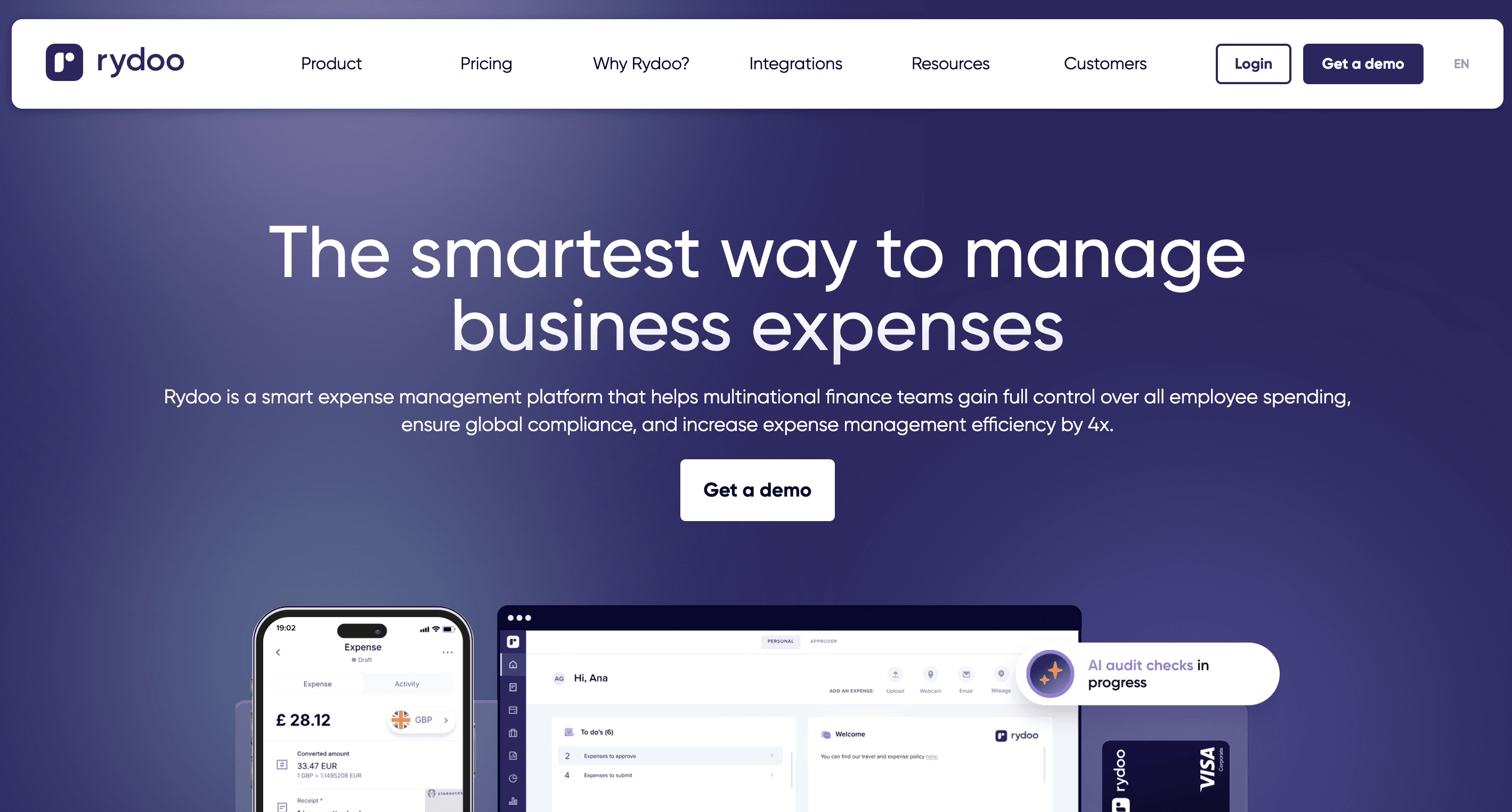
Rydoo is an enterprise-grade AI expense management software designed to handle the complexities of global teams. It moves away from the traditional monthly expense report model, focusing instead on real-time expense tracking. Employees scan receipts as they go, and the AI handles the compliance, routing, and multi-currency conversions immediately. It is best for mid-market to enterprise companies with a global footprint.
Key Features
Real-Time Expense Entry: OCR extracts data instantly, allowing users to submit expenses one by one rather than in bulky reports.
Per Diem & Mileage: Advanced handling of complex, country-specific per diem rules and mileage rates.
Global Compliance: Built-in tax compliance rules for various countries, managing complex VAT/GST extractions.
Policy Rules Engine: AI flags out-of-policy spending before it even reaches a manager’s desk.
ERP Integrations: Deep integrations with enterprise systems like SAP, Oracle, and NetSuite.
Pros
Highly efficient "approve-as-you-go" workflow speeds up reimbursements.
Exceptional handling of multiple currencies and international tax laws.
Sleek, highly rated mobile app for business travelers.
Strong customer support and implementation teams.
Cons
Overly complex and expensive for small businesses or freelancers.
Setup and policy configuration require a dedicated IT/Finance effort.
Not a standalone bookkeeping tool; relies on integration with an ERP.
Pricing
Rydoo offers four tiered plans: Essentials at $9/user/month (annual billing), Pro at $11/user/month (annual billing), and Business/Enterprise with custom pricing, catering to businesses from growing teams to large enterprises.
9. Fyle
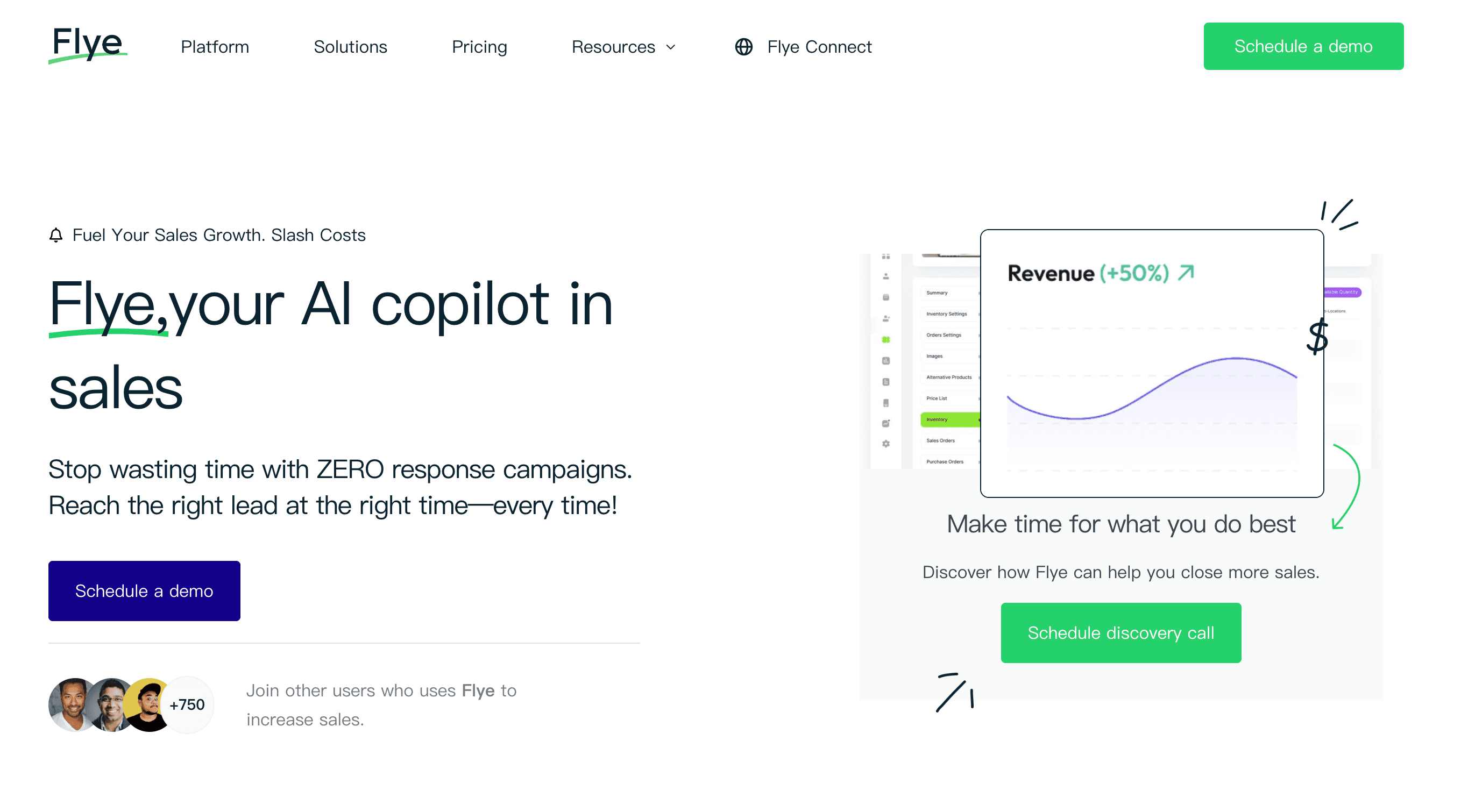
Fyle represents the next generation of AI receipt tracking by completely removing the friction of manual uploads. Instead of forcing employees to use a specific corporate card, Fyle integrates directly with your existing Visa or Mastercard credit cards. When an employee swipes their card, Fyle immediately sends a text message. The employee simply replies with a photo of the receipt, and Fyle’s AI automatically matches it to the transaction.
Key Features
Real-Time Card Feeds: Direct integration with existing Visa/Mastercard networks for instant transaction alerts.
Conversational Capture: Submit receipts via SMS, Slack, or Microsoft Teams without opening an app.
AI Auto-Match: The system automatically links the texted receipt to the correct credit card feed transaction.
Automated Reminders: AI chases employees automatically for missing receipts.
Continuous Accounting: Syncs matched receipts and transactions continuously to QuickBooks, Xero, or NetSuite.
Pros
Incredible user adoption rate since employees can submit receipts via text message.
You don't have to switch banks or adopt a new corporate card to get real-time tracking.
Drastically reduces the month-end chase for missing documentation.
Highly intuitive and modern platform.
Cons
Relies heavily on the user having a compatible Visa/Mastercard business card setup for maximum value.
Pricing might be steep for very small businesses with low transaction volumes.
Less focus on physical document archiving compared to tools like Dext or Neat.
Pricing
Fyle offers four annual-billed plans: Startup at $149/month, the best-value Growth at $349/month, Scale at $849/month, and Enterprise with custom pricing, all with unlimited email accounts and AI features.
10. Neat
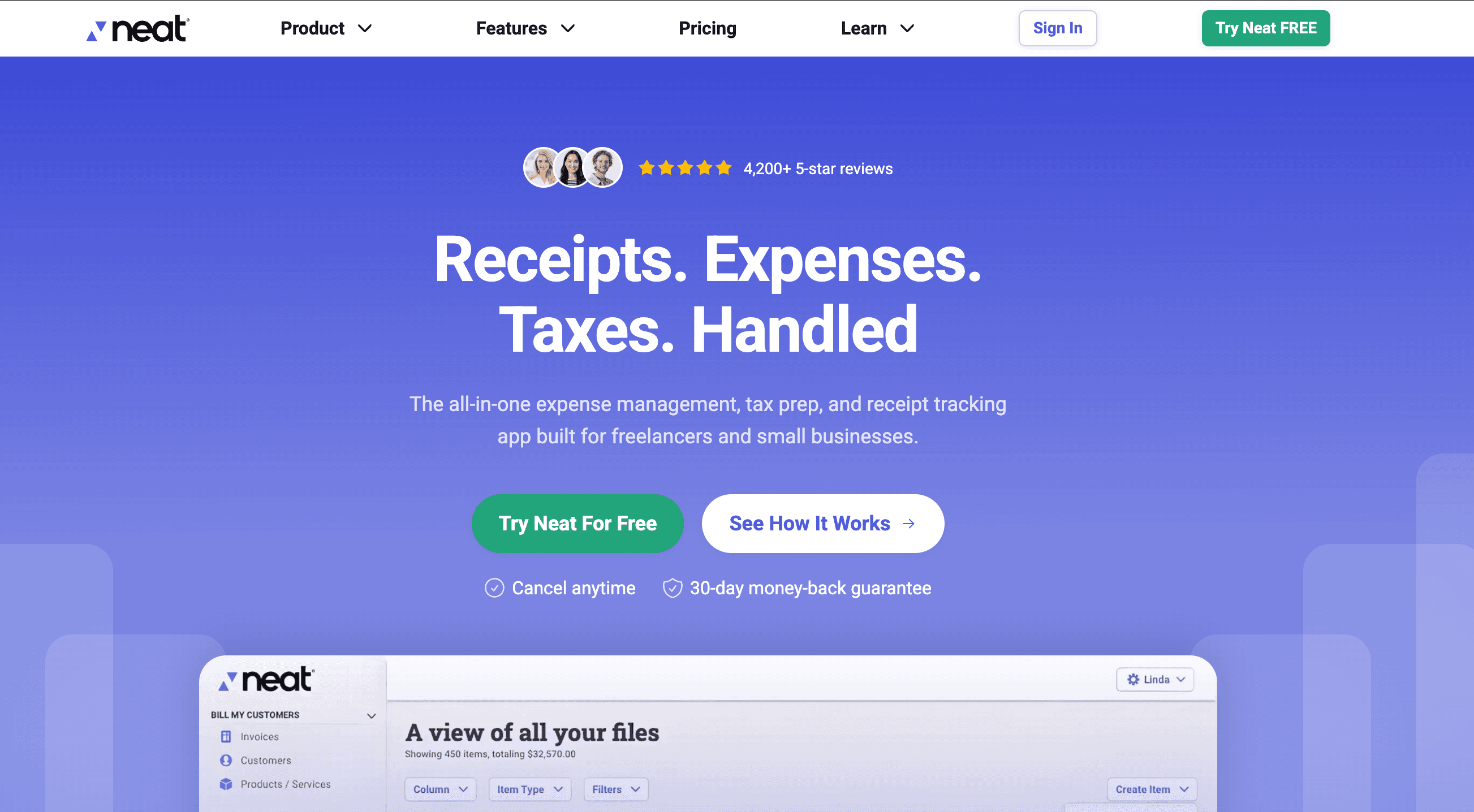
Neat began as a hardware company selling physical scanners but has successfully pivoted into a robust cloud-based AI document management and bookkeeping platform. It specializes in high-detail line-item extraction. Neat is best suited for small business owners who need to go beyond simply recording a total amount and want to track specific items, manage contracts, and handle lightweight bookkeeping all in one place.
Key Features
Line-Item Extraction: AI breaks down receipts and invoices item by item, rather than just grabbing the grand total.
Document Management: A powerful, searchable folder structure for storing receipts, invoices, contracts, and tax docs.
Keyword Search: OCR makes every scanned document fully text-searchable.
Lightweight Bookkeeping: Allows SMBs to map expenses to accounts, match with bank feeds, and view simple financial trends.
Custom Workflows: Create automated workflows for document approval and routing.
Pros
Excellent for businesses that buy materials and need to track specific line-item costs (e.g., contractors).
Acts as a comprehensive digital filing cabinet, not just an expense tracker.
Highly accurate OCR engine backed by years of legacy data training.
Provides a middle ground between simple receipt apps and complex ERPs.
Cons
The transition from their legacy hardware to software has sometimes caused interface clutter.
Can be more expensive than simpler apps if you don't need the deep document management features.
The bookkeeping features, while good, aren't a full replacement for robust software like QuickBooks.
Pricing
Neat offers a core file management plan at $200/year, with two optional add-ons: VIP Service for an extra $50/year and Automated Insights for an extra $150/year, both requiring a Neat subscription.
Best AI Receipt Scanners & Trackers by Use Case
To help you narrow down the field, here is a quick guide to matching these tools with your specific business needs:
Best for turning receipt data into charts and presentations: Powerdrill Bloom. If you need to analyze your spending, spot trends, and generate PPT slides for a board meeting, nothing beats this AI agent.
Best for finance teams & automated workflows: Expensify and Rydoo. Both handle complex approval hierarchies and scale beautifully for mid-market and enterprise teams.
Best for bookkeeping automation & accountants: Dext Prepare. Its ledger integrations and precise OCR make it the top choice for CPAs.
Best for small businesses wanting an all-in-one suite: QuickBooks Online or Zoho Expense. They keep your receipts and core accounting seamlessly tied together.
Best for freelancers: Wave. A fantastic, low-cost starting point that integrates receipts right into your invoicing and tax prep.
How We Evaluated These AI Receipt Tools
When testing and comparing these platforms for 2026, we focused on several key criteria:
OCR and Capture Quality: How accurately does the AI extract merchants, dates, amounts, and tax codes from crumpled or faded receipts?
Analytics Depth & Export: Does the tool just store a photo, or can it transform raw data into insights, charts, and presentation-ready output?
Expense Categorization: Does the machine learning improve over time, automatically assigning the correct accounting codes to repeat vendors?
Integrations: How seamlessly does the software sync with major ledgers (QuickBooks, Xero, NetSuite) without manual CSV exports?
Ease of Use: Is the mobile app intuitive enough that employees will actually use it?
Value for Money: Do the features justify the per-user or per-document pricing model?
How to Choose the Right AI Receipt Scanner or Tracker
Selecting the right software depends heavily on your daily workflow.
If your main pain point is employee compliance: Look for tools with real-time capture and policy enforcement. Fyle’s SMS capture or Expensify’s auto-flagging will save your finance team hours of chasing down employees.
If you are preparing for tax season: Accuracy and ledger syncing are paramount. Dext Prepare or QuickBooks Online ensure that every penny is accounted for and matched to a bank transaction, keeping your CPA happy.
If your goal is financial analysis and reporting: You need an AI agent, not just a scanner. Choose a tool like Powerdrill Bloom that can ingest spreadsheets of receipt data, answer questions in natural language, and output visual summaries and presentations.
Final Verdict
The landscape of AI receipt scanners and trackers has matured significantly. You no longer have to settle for clunky apps that misread data or require endless manual corrections.
If your primary focus is keeping your books clean for tax season, native tools like QuickBooks Online or dedicated OCR engines like Dext Prepare are phenomenal choices. If your workflow depends on managing a remote team's corporate cards and reimbursements, Expensify and Fyle will save you from administrative headaches.
However, if you want to extract real business value from your data, Powerdrill Bloom is one of the strongest options to consider. Many tools stop once the receipt is digitized. Powerdrill Bloom excels in the next phase of the workflow: receipt / expense raw data → analysis → insights → charts → presentation-ready output.
For founders, marketers, and operations managers who need to quickly understand where their budget is going and present those findings to stakeholders, Powerdrill Bloom’s ability to act as an automated financial analyst makes it the standout tool of 2026.
Frequently Asked Questions
What is the best AI receipt scanner in 2026?
The "best" depends on your needs. Powerdrill Bloom is top-rated for data analysis and generating visual reports from expenses, while Expensify is generally considered the best for automated employee reimbursements. Dext Prepare is the favorite among accountants for pure OCR accuracy.
Are there free AI receipt tracking tools?
Yes. Wave offers a robust free accounting platform, though receipt scanning may require a small fee. Expensify and Zoho Expense also offer limited free tiers that are perfectly suited for freelancers or very small teams starting out.
Can AI scan and categorize receipts?
Absolutely. Modern AI uses Optical Character Recognition (OCR) to read the text on a receipt, and machine learning to understand the context. It can automatically categorize a "Delta Airlines" receipt as "Travel" and map it to the correct ledger account.
Which AI receipt tracker is best for small businesses?
Zoho Expense and QuickBooks Online are excellent choices for small businesses. They are highly affordable, integrate well with other SMB software, and simplify the reconciliation process for business owners.
Which AI receipt tool is best for expense reporting?
For traditional expense reporting, Expensify and Rydoo lead the pack. They automate the creation of reports, enforce company spending policies, and route the reports to managers for one-click approval.
What is the difference between a receipt scanner and an expense tracker?
A receipt scanner primarily focuses on digitizing a physical document and extracting the data (e.g., Dext or Shoeboxed). An expense tracker manages the entire workflow from the scan to approval, policy checks, and final reimbursement (e.g., Expensify).
Can AI turn receipt data into reports and charts?
Yes. Advanced AI agents like Powerdrill Bloom specialize in this. You can upload bulk receipt data or expense CSVs, and the AI will analyze trends, generate visual charts, and even export the findings into a presentation-ready PPT.
Do AI receipt scanners use OCR?
Yes, all modern AI receipt scanners use Optical Character Recognition (OCR) as their baseline technology to extract text from images. They then apply AI and machine learning to interpret that text, identifying what is a tax amount, a total, or a vendor name.